NetAsset Add-On module
Usage-based depreciation for NetSuite
Not every asset depreciates on a schedule. That is where unit of production depreciation comes in.
The Usage-Based Depreciation module is an add-on to NetAsset that calculates depreciation based on actual usage instead of time. Define your own usage metric, record usage period by period, and post accurate depreciation entries, all without leaving NetSuite.












Common depreciation challenges
When assets require unit of production depreciation rather than time-based methods, standard tools fall short. Without the right tool, accounting teams end up managing these assets outside their system. These challenges surface in several ways.
The benefits of NetAsset's
Usage-Based Depreciation
Usage-Based Depreciation extends NetAsset with everything you need to depreciate assets by actual consumption. There's no new interface to learn and no data leaving NetSuite. It fits right into the workflows your team already uses.

Flexible usage metrics
Define your unit of production depreciation around any measurement that reflects how your asset is actually being used. Hours, miles, units produced, games played, eggs hatched. The module does not restrict what you track, so you can match the metric to the asset.

Usage tracking records
A dedicated child record on each asset captures usage entries period by period. Each entry records the date and amount of usage for that period, giving you a complete history of how and when the asset was utilized. For teams that track usage in external systems, usage records also support API connections, so data from sensors, fleet management tools, or other platforms can flow directly into NetAsset without manual entry.

Automatic calculations
Depreciation is calculated automatically based off the usage records entered. The module divides period usage by total expected usage and applies that ratio to the asset's depreciable value. No pre-generated schedules needed.
Adjustable estimates
Expected total usage can be updated at any time. If your machine lasts longer or shorter than planned, adjust the total expected usage on the asset record and the calculation updates going forward without affecting previously posted entries.
Unified reporting
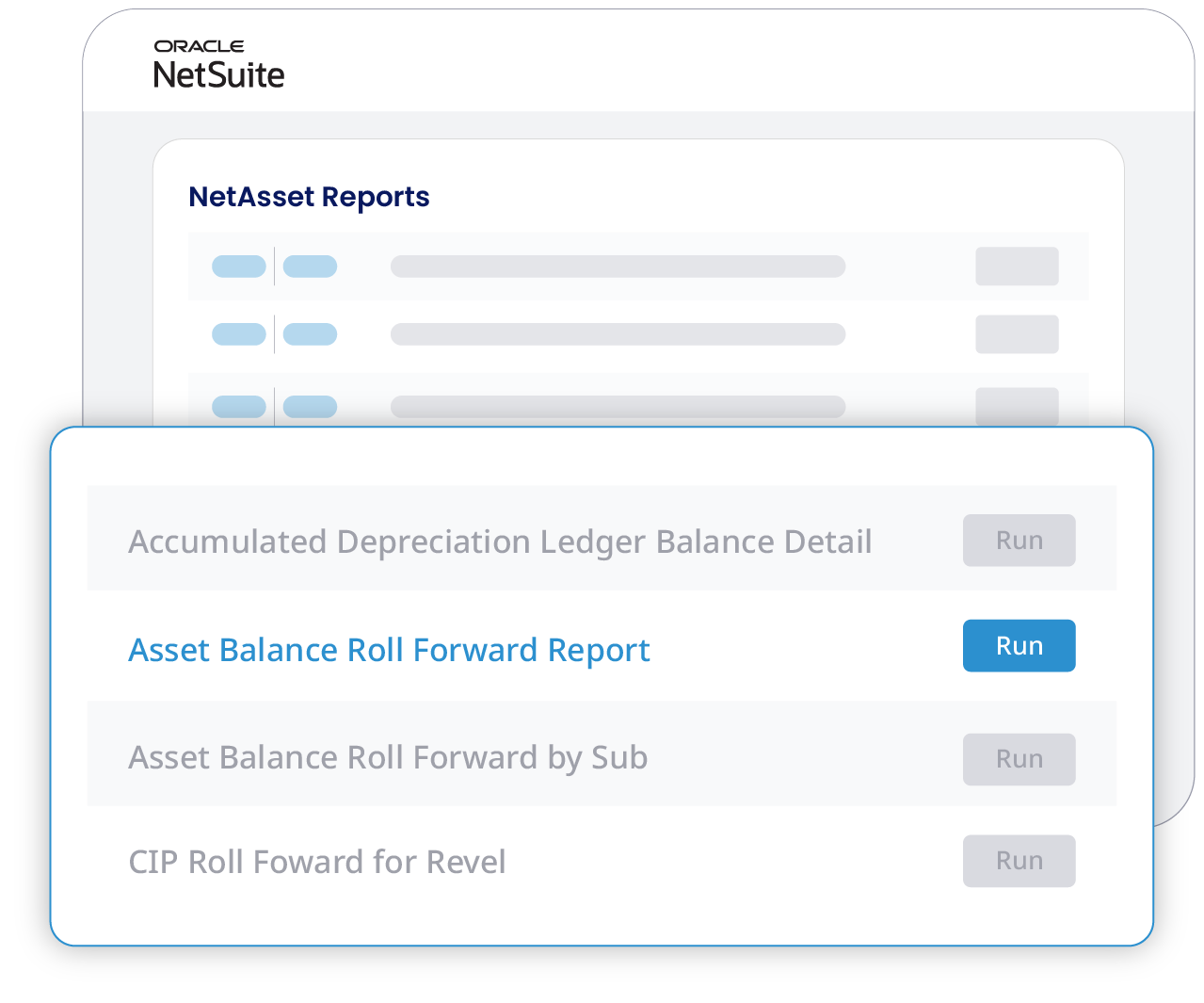
Usage-based assets live alongside all your other fixed assets in NetAsset. Your reports stay complete without pulling data from outside systems, and you can run usage reports independently for operational analysis.

All roads lead to NetSuite
Whether your team enters usage manually or feeds it in from an external source through an API, everything lands in the same place. Usage data typically comes from operational teams on the ground and gets reported to accounting for entry into NetAsset. From there, depreciation is calculated and posted to the general ledger natively.
Explore the unit of production depreciation functionality
See how usage-based depreciation works inside the NetAsset software you already know. Walk through the workflow at your own pace.
See why Netgain is trusted by accounting and operational teams
98%
Customer retention rate
9 out of 10
Clients would recommend Netgain
Assurance
Through bi-annual SOC reports
500+
Companies rely on NetAsset
Why choose Usage-Based Depreciation
Explore the features of Netgain's asset depreciation software

Usage record management
Create and manage usage records as child records on any asset. Each record captures the date and the amount of usage for a given period, building a complete utilization history over the asset's life.
Custom usage metrics
Select the unit of measurement that fits your asset: hours, miles, units produced, or any other metric. The system does not restrict what qualifies as usage, so the module adapts to your business.
Depreciation calculation engine
Depreciation is calculated by dividing period usage by remaining usage and multiplying by the asset's depreciable value. No schedules are pre-generated. Depreciation is created as usage is recorded, period by period.
Adjustable lifetime usage estimates
Update the total expected usage at any point during the asset's life. If your equipment proves more durable or less efficient than planned, the calculation adjusts automatically for all future periods without affecting previously posted entries.
Dual-purpose usage tracking
Usage records serve double duty. Beyond driving depreciation calculations, they can be used independently for operational reporting. Track utilization trends, compare assets, and analyze patterns using the same data that powers your depreciation.
Native NetSuite transactions
Depreciation entries post directly to your general ledger as native NetSuite transactions. No CSV imports, no journal entry templates, no manual posting. The GL impact flows through the same channels as your other NetAsset transactions.
Your business operates at an impressive scale — and that deserves a more personalized approach. Because of the complexity and impact of managing a close process with over 50 employees, a simple ROI calculation wouldn't capture the full value you can gain. One of our experts will reach out shortly to provide tailored insights and discuss how we can help you achieve a faster, more efficient close.
Want to get ahead? Schedule time with one of our experts now.
Schedule a call with usYour close process is cost efficient, but there’s more to gain!
By automating your month-end close, you’ll:
Save time: Free up hours for more strategic, high-impact work.
Reduce errors: Increase accuracy and confidence in your reports.
Boost team efficiency: Simplify workflows and minimize manual tasks.
Schedule a demo to explore the full value Netgain brings to your team.
Current State
960
hours Spent per year
$453,200
dollars SPENT per year
180% ROI
$10,080
saved per period
$125,960
annualized savings
288
hours saved per year
180%
netclose roi
Your team can save 288 hours with Netgain. Unlock your detailed report below.
Simplify
depreciation for usage-based assets
Calculate depreciation based on actual consumption, keep everything inside NetSuite, and eliminate the spreadsheets and manual imports that slow down your close.
NetAsset resources



Unit of production depreciation software FAQs
Usage-Based Depreciation is an add-on module for NetAsset that applies the unit of production depreciation method, calculating depreciation based on actual asset usage instead of time. You define a usage metric (hours, miles, units, or anything else), record usage each period, and the module calculates and posts depreciation automatically. It has been available for over five years and was built because customers needed a way to handle assets that don't fit standard time-based methods.
No. Usage-Based Depreciation is a separate add-on module that can be purchased alongside your NetAsset license. Pricing is based on a number of assets. Contact your Netgain representative for specific pricing details.
On the asset record, you select usage-based depreciation as the method and enter the total expected usage over the asset's life. Each period, you create a usage record with the date and the amount of usage for that period. The module divides the period usage by the current remaining usage, multiplies by the depreciable value, and posts the resulting depreciation entry.
Yes. You can update the total expected usage at any time through a prospective modification. The calculation adjusts going forward based on the new estimate without affecting previously posted depreciation entries.
Yes, usage data can be fed into NetSuite through an API integration. However, Netgain does not build custom API integrations directly. You would work with a third-party implementation partner or use Netgain's integration product, which is designed for data integrations into NetSuite. Netgain can recommend trusted integration partners.
The module supports any unit of measurement you define. Common examples include machinery hours, miles driven, units produced, and cycles completed. You are not limited to a predefined list of metrics.
When evaluating unit of production depreciation software for NetSuite, look for a solution that runs natively on the platform, supports flexible usage metrics, allows adjustable lifetime estimates, and keeps your depreciation transactions inside your general ledger without manual imports. NetAsset's Usage-Based Depreciation module meets all of these criteria as a NetSuite-native SuiteApp built specifically for accounting teams managing assets by consumption.
Unit of production depreciation is a method that calculates an asset's depreciation based on actual output or usage rather than the passage of time. The formula divides the period's usage by the asset's total expected lifetime usage, then applies that ratio to the depreciable value. It is commonly used for machinery, vehicles, and equipment where wear correlates more closely with consumption than with age. NetAsset's Usage-Based Depreciation module automates this method inside NetSuite.