
AI accounting software has changed quickly since our last update. Close platforms now ship AI agents, the major AI assistants work directly inside Excel, and the tools that looked cutting-edge a year ago may already be falling behind.
That pace makes choosing harder. This guide compares 11 AI accounting tools on what they automate, who they fit, and how they connect to the systems your team already knows best.
Key takeaways
- AI accounting software handles work like transaction coding, reconciliations, flux analysis, and close tasks, with an accountant reviewing the output.
- The right tool depends on where your data lives and which workflow hurts most. NetSuite teams, startups choosing a new ledger, and AP-heavy teams will land on different tools.
- If your company already pays for ChatGPT, Claude, or Microsoft Copilot at the enterprise level, start there, then add specialist tools where a general assistant falls short.
How we chose these tools
We're accountants, and Netgain makes one of the products on this list. We've described every tool, including our own, the way we'd describe it to a peer: what it does well and who it fits.
We used four criteria:
- Demand: how often finance and accounting teams search for the tool, based on US search data from Semrush (November 2026).
- Accounting depth: whether the AI does accounting work, such as reconciliations, journal entries, close tasks, and AP.
- Fit: which teams the tool serves best, from startups to enterprise finance organizations.
- Active and supported: the vendor is still shipping and supporting the product as of this update.
We've also left pricing out of every entry. Vendor pricing changes often, and many of these tools quote custom pricing for larger teams, so check each vendor's site for current plans.
What is AI accounting software?
AI accounting software uses artificial intelligence to handle accounting work that used to be manual: coding transactions, matching bank activity, explaining variances, drafting journal entries, and reading contracts and invoices.
Earlier automation followed fixed rules. AI tools learn from patterns in your historical data, read unstructured documents like PDFs, and respond to plain-language requests.
In 2026, many tools also use AI agents. An agent runs a multi-step workflow, such as preparing a full reconciliation package, then pauses for an accountant to review and approve the result.
How is AI used in accounting?
AI handles the high-volume, repeatable parts of accounting so your team can spend more time on review and analysis. The most common uses today:
- Data capture and coding: reading invoices, receipts, and statements, then categorizing transactions.
- Reconciliations: matching bank and subledger activity to the GL and surfacing what doesn't tie out.
- Month-end close: tracking close status, finding missed accruals, and drafting flux analysis commentary.
- Contract abstraction: pulling terms from leases and other contracts into structured records.
- Accounts payable: coding invoices, matching them to purchase orders, and routing approvals.
- Analysis in Excel: building and checking models, tracing formulas, and summarizing results.
- Anomaly detection: flagging unusual transactions for a closer look.
- Tax preparation: organizing client documents and categorizing transactions for review.
How to start using AI in accounting
- Pick one recurring workflow. Start with work that repeats every month and follows a clear pattern, like bank matching or flux commentary.
- Set the guardrails first. Decide what data the AI can see and change. Read-only access is a good starting point.
- Keep a human in the loop. Review every output before it reaches the books, and choose tools that leave an audit trail.
To check whether your current systems cover what you need, use our accounting software evaluation checklist.
AI accounting software at a glance
Best AI accounting software
The first eight tools are built specifically for accounting and finance work. The last three are general AI assistants, grouped together at the end.
1. Netgain
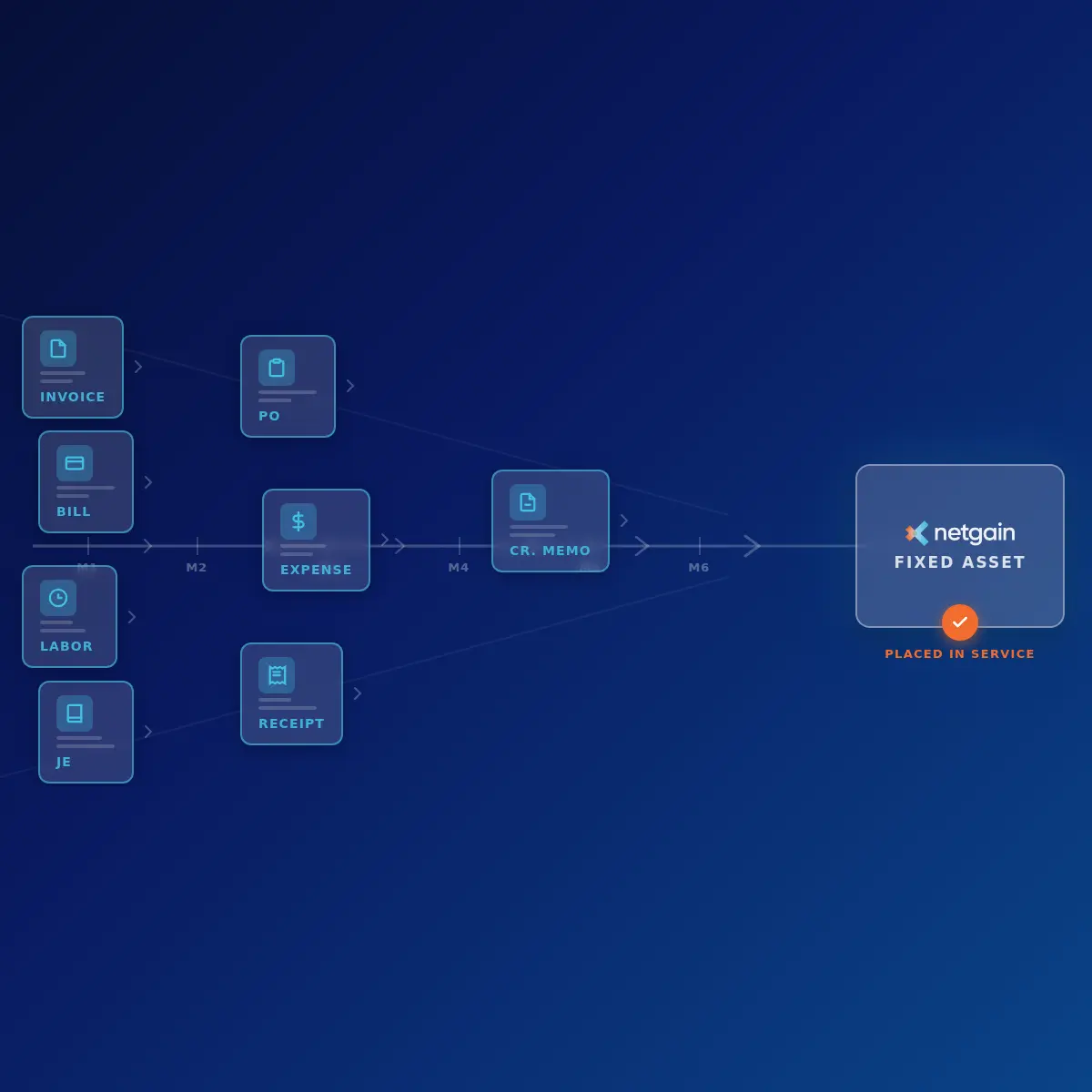
Netgain automates accounting for leases, fixed assets, the month-end close, cash and bank reconciliations, loans, and intercompany work. Built by Big 4 accountants for accountants, most Netgain products run natively inside NetSuite. Netgain also offers cloud-based lease accounting, fixed asset accounting, and consolidations for teams on any ERP.
Netgain's AI works with the AI your team already uses. NetSuite has its own AI connector, and Netgain products plug into it, so an assistant like ChatGPT or Claude can reconcile a subledger or draft flux commentary using live NetSuite data. For teams without an AI subscription, built-in assistants run inside NetSuite.
Best for: NetSuite teams that want AI working inside their ERP, and teams on any ERP that need lease, fixed asset, or consolidation software. Every customer gets support from a team of CPAs.
Key AI features:
- NetLease AI Sidebar: reads lease contracts in PDF, Word, or Excel and creates the lease record, flagging fields to double-check.
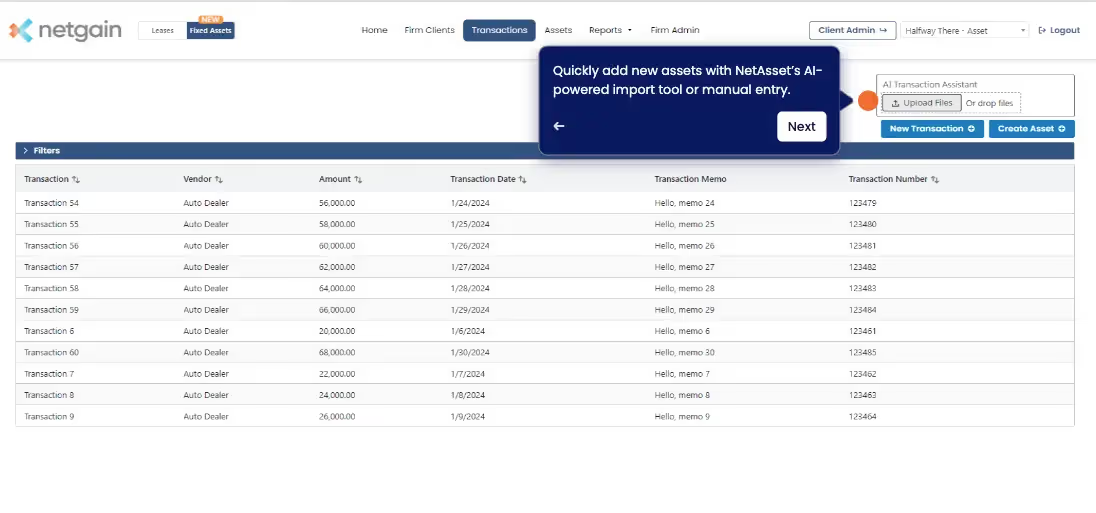
- NetAsset AI asset creation: creates asset records from vendor bills, speeding up asset setup.
- NetClose Flux AI: explains large or unusual account fluctuations.
- NetCash AI Assistant: answers questions on the Direct Cash Flow, Proof of Cash, and Reconciliation Detail reports.
- NetLoan AI Assistant: helps build query reports.
- AI connector tools: let your own AI assistant work with NetAsset, NetLease, NetClose, and NetCash data, limited to what the user's NetSuite role allows.
To see Netgain's AI in action, take a tour.
2. FloQast
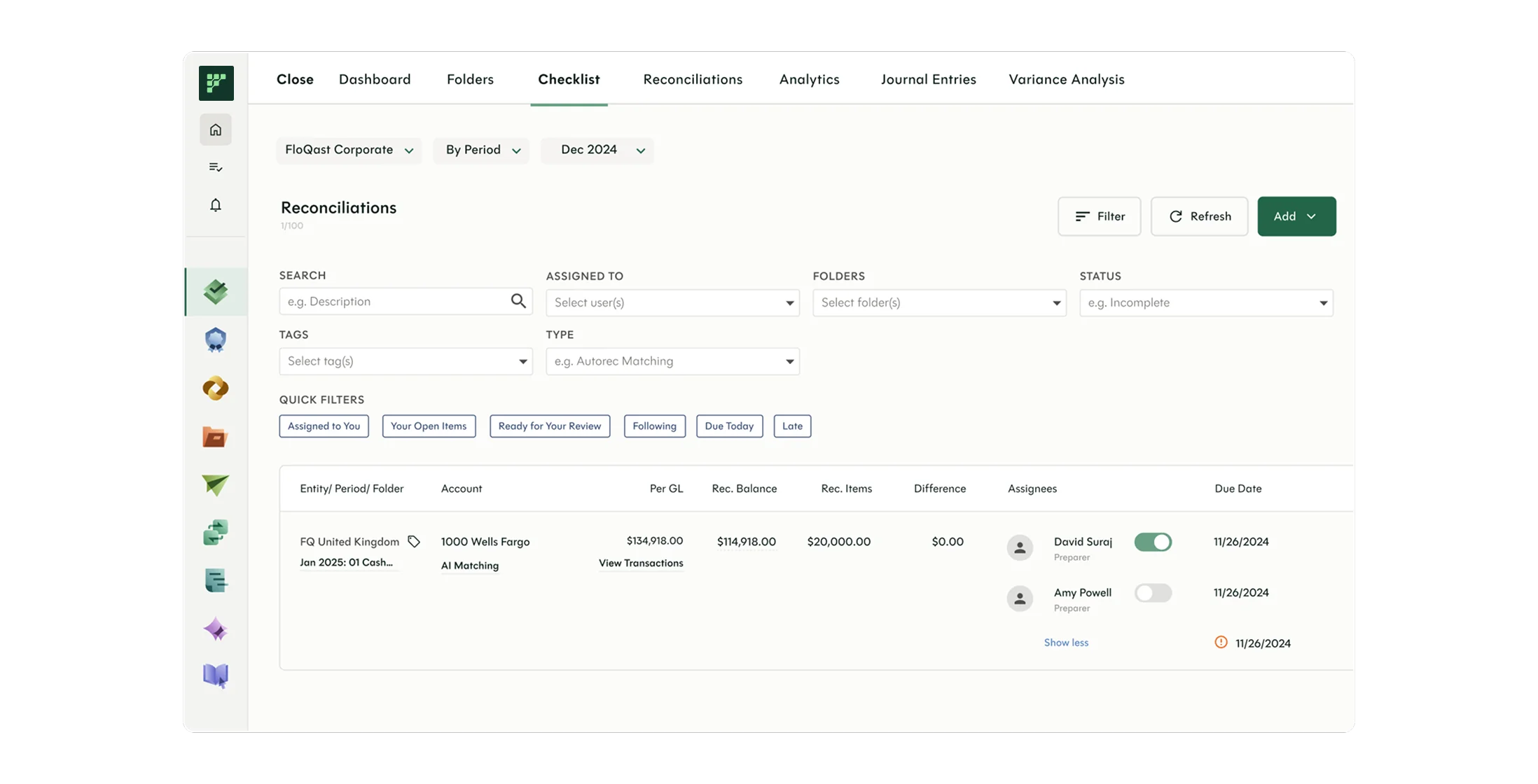
FloQast is a close management and accounting workflow platform built by accountants. Its AI Agents automate recurring work across the close, compliance, and reporting, and teams can build their own agents in natural language with FloQast Transform, no coding required. FloQast says its agents produce repeatable, auditable output, which helps when auditors ask how a number was prepared.
Best for: Mid-market and enterprise teams that want a dedicated close management platform.
Key AI features:
- Prebuilt and templated AI Agents for close, reconciliation, and journal entry work
- A no-code agent builder in FloQast Transform, with a visual builder launched in March 2026
- AI agents for compliance workflows
3. BlackLine
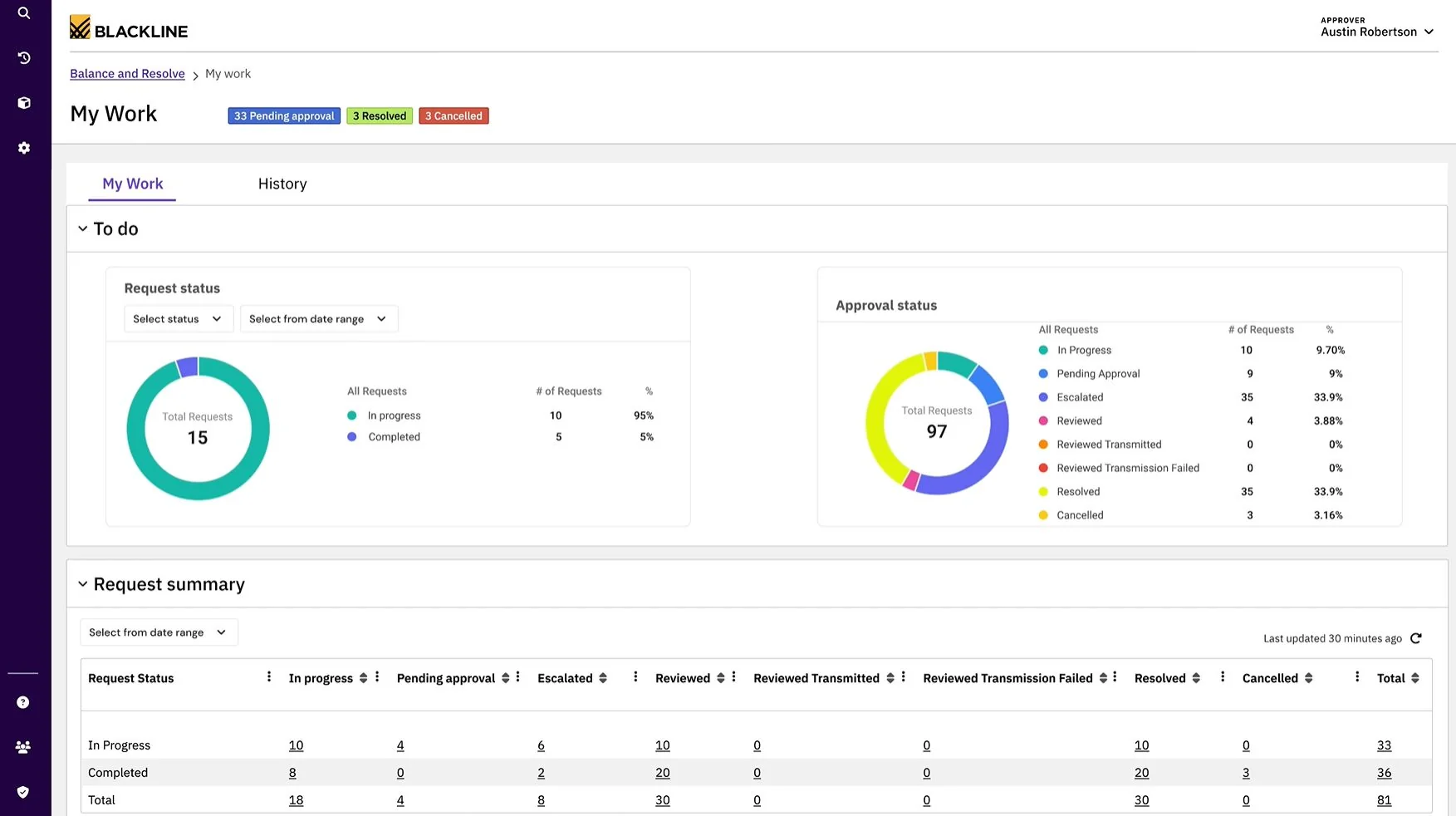
BlackLine is a financial close and accounting automation platform used by large enterprises. Its Verity AI suite adds embedded, auditable AI across the platform. In July 2026, BlackLine made Verity Prepare generally available, a multi-agent system that gathers support, flags anomalies, drafts variance explanations, and assembles a reconciliation package for an accountant to approve.
Best for: Enterprise finance teams with high reconciliation volume and strict control requirements.
Key AI features:
- Verity Prepare agents for end-to-end reconciliation preparation
- Embedded tools including Verity Assist, Verity Narrate, and Verity Flag
- A single governance model for AI working across record-to-report and invoice-to-cash
4. Vic.ai
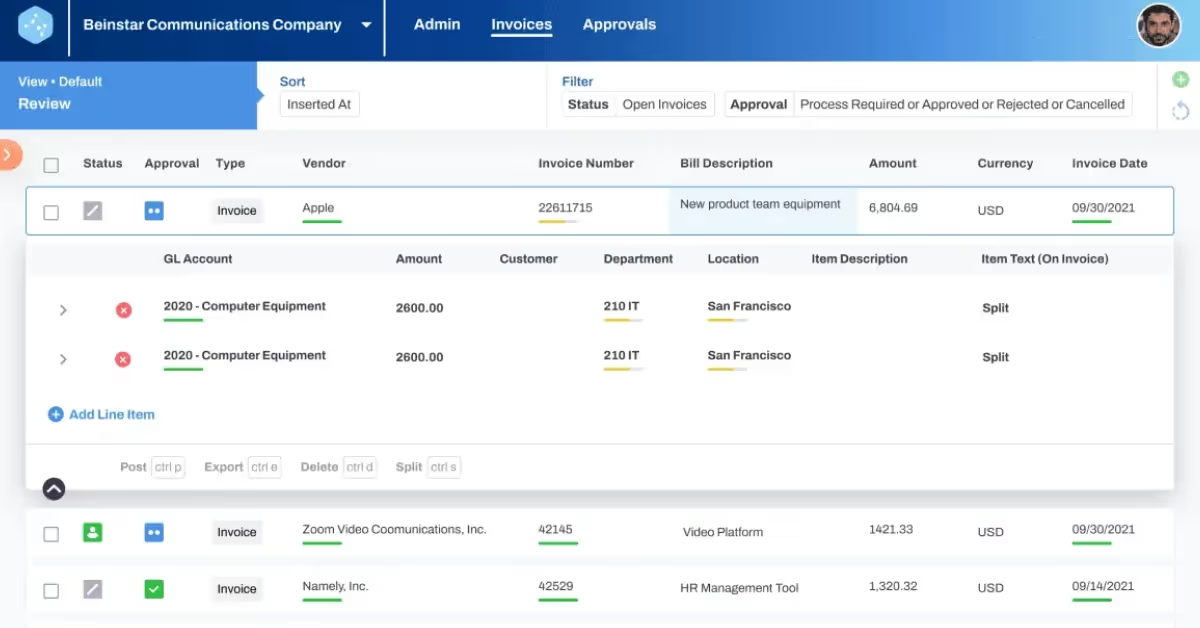
Vic.ai uses AI to automate accounts payable from invoice capture through payment. It handles invoice processing, PO matching, approvals, payments, and vendor communications across multi-entity structures and approval hierarchies.
Best for: AP teams with high invoice volume and complex approval structures.
Key AI features:
- Autonomous invoice capture and coding
- AI purchase order matching and approval routing
- Integrated payments through VicPay
5. Digits
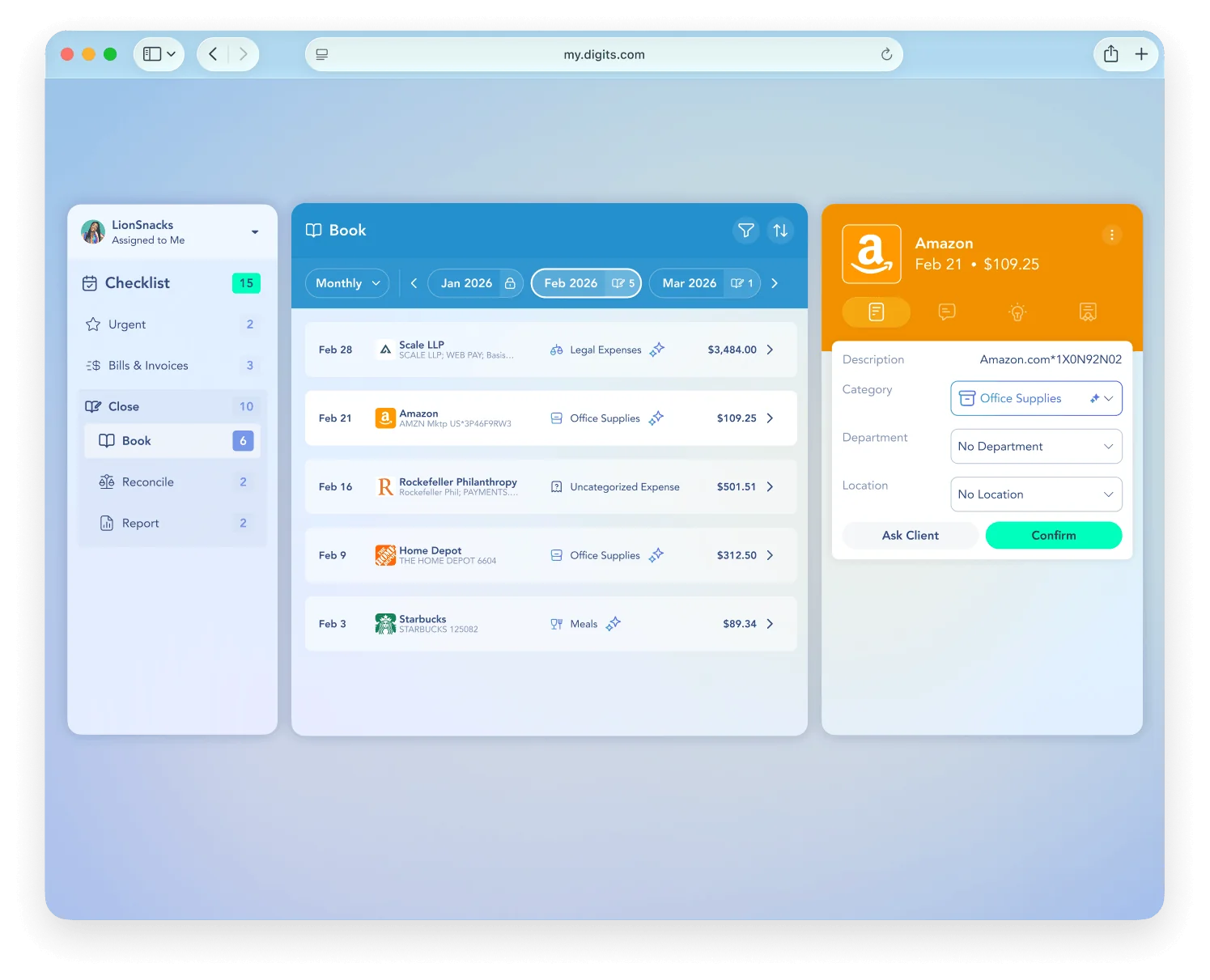
Digits built its general ledger around AI from the start. It categorizes and reconciles transactions continuously and routes lower-confidence items to a person, alongside bill pay, invoicing, and reporting. Because Digits is the general ledger itself, it fits companies choosing a new accounting system.
Best for: Startups and small businesses ready for an AI-native ledger, and the accounting firms that serve them.
Key AI features:
- Continuous transaction categorization and reconciliation
- Specialized agents for bookkeeping, finance, and reporting
- Agentic close for accounting firms, introduced in June 2026
6. Zeni
Zeni combines AI bookkeeping and accounting with AI CFO tools for startups. Its AI Accountant agent works throughout the month on categorization, reconciliations, and close, with CPAs and finance experts reviewing the results. Zeni's AI agents are also available as standalone products, without its human bookkeeping or CFO services.
Best for: Venture-backed startups that want real-time books and CFO-level reporting.
Key AI features:
- AI Accountant for bookkeeping, reconciliations, and close
- AI CFO for financial insights and reporting
- An AI automation layer on top of QuickBooks Online

8. Scribe
Key AI features:
Scribe captures a workflow as you perform it and turns it into a formatted step-by-step guide, which cuts the time spent writing close procedures and training material. Its newer Scribe Optimize platform goes further, mapping and analyzing real workflow data to show which processes to improve or automate.
Best for: Teams documenting close checklists, SOPs, and onboarding, and finance leaders deciding which manual processes to automate next.
Key AI features:
- Captures workflows in real time and generates step-by-step guides
- AI-powered editing and Scribe MCP for bringing guides into AI tools, both released in spring 2026
- Scribe Optimize workflow analysis to find automation opportunities

7. TaxDome
Key AI features:
TaxDome is a practice management platform for tax, bookkeeping, and accounting firms. AI sorts, names, and tags client documents, and a secure client portal handles uploads, signatures, payments, and messaging. In late 2026, TaxDome released a public API and MCP server so firms can connect Claude, ChatGPT, and other AI assistants to their TaxDome data. It followed with a client MCP that lets a firm's clients check requests, documents, and invoices from their own AI assistant.
Best for: Tax and accounting firms managing a large client base, especially firms ready to serve clients through AI assistants.
Key AI features:
- AI document naming, tagging, and organization
- AI-powered reporting on firm output, time, and billing
- An MCP server and public API for connecting AI assistants to firm data
- A client MCP so clients can work with their firm from Claude, ChatGPT, or another MCP-compatible assistant
General AI assistants (best if you already have an enterprise plan)
ChatGPT, Claude, and Microsoft Copilot are general-purpose AI assistants that now work inside Excel, connect to business systems, and offer enterprise plans with admin controls. If your company already pays for one, start there: your IT team has already approved it, and there's no new vendor to review.
Two cautions apply to all three. They can produce confident wrong answers, so review every output before it reaches the books. They also know only what you give them, so a governed connection to your ERP is safer than pasting data into a chat window.
If you run NetSuite, AI assistants that support the Model Context Protocol (MCP), including ChatGPT and Claude, can connect through NetSuite's AI connector. Netgain's tools then let them work with your lease, fixed asset, close, and cash data.
9. ChatGPT
OpenAI's ChatGPT is the most widely used AI assistant. For finance teams, the biggest 2026 change is ChatGPT for Excel, which builds and updates models inside your workbook and links its answers to the exact cells it used. It became generally available across all ChatGPT plans in May 2026, along with a Google Sheets version.
Best for: Companies already on ChatGPT Business or Enterprise.
Key AI features:
- ChatGPT for Excel and Google Sheets for modeling, scenario analysis, and formula checks
- Connectors to business tools and financial data providers
- Enterprise controls such as single sign-on, role-based access, and audit logs, and OpenAI states Enterprise data isn't used to train its models

10. Claude
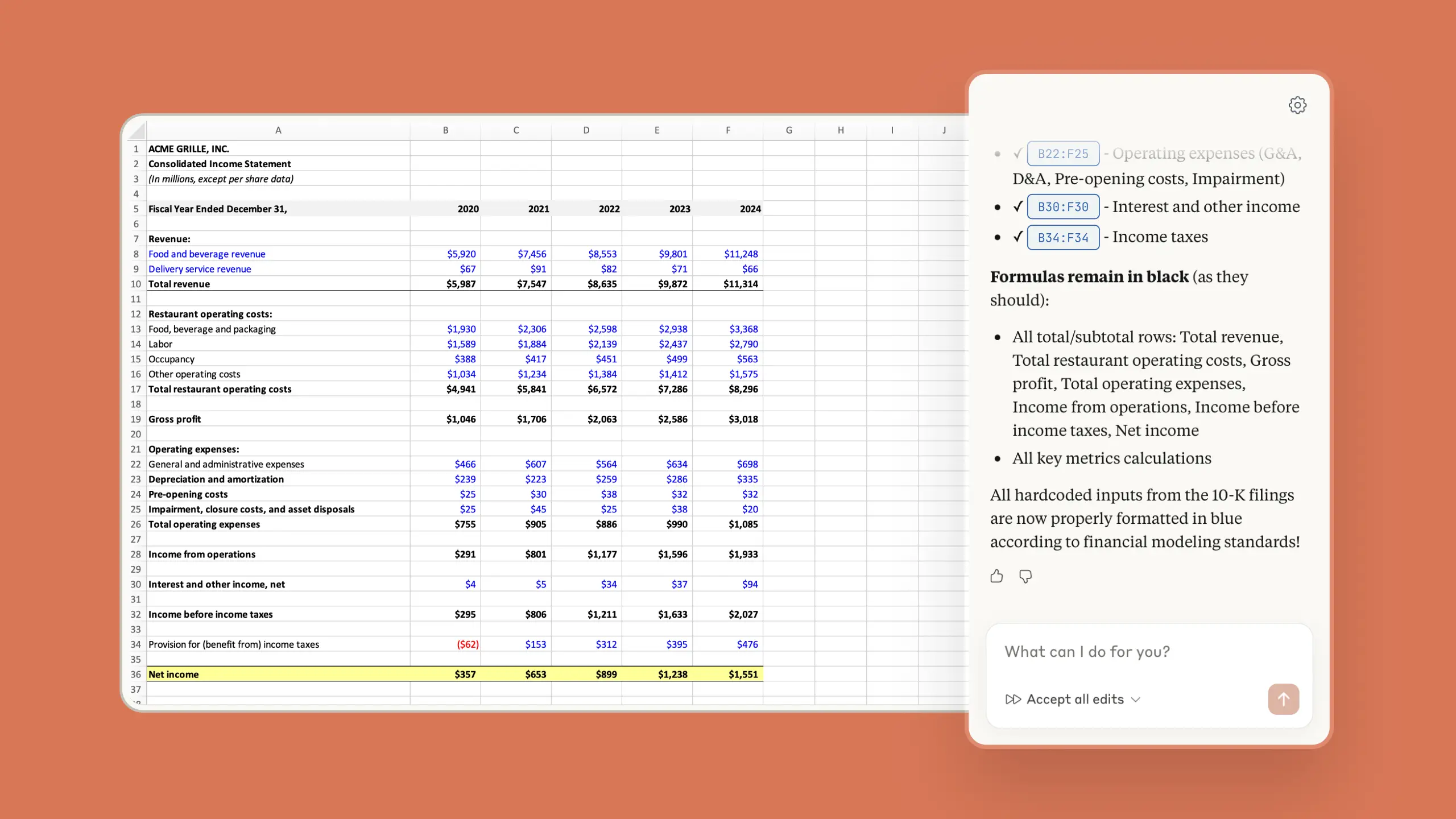
Anthropic's Claude is an AI assistant used for analysis, writing, and long-document review. Claude for Excel works in a sidebar where it can read, analyze, edit, and build workbooks, explaining each change and linking to the cells it references. Claude also works in PowerPoint and connects to business systems through connectors.
Best for: Companies already on Claude Team or Enterprise.
Key AI features:
- Claude for Excel for analysis, model building, and error checking
- Connectors and reusable skills for recurring finance workflows
- Claude Cowork plugins for Netgain's NetClose and NetCash, with ready-made commands for close status, flux explanations, and bank matching
11. Microsoft Copilot
Microsoft 365 Copilot brings AI into Excel, Outlook, Teams, and Word. For finance, Microsoft offers Finance agents in Microsoft 365, including a Financial Reconciliation agent that compares two data sets in Excel and flags discrepancies.
Microsoft has also announced new accounting capabilities in Copilot in Excel and Cowork for reconciliations, journal entries, and performance analysis, with general availability set for November 13, 2026. Copilot works only with content each user can already access.
Best for: Companies standardized on Microsoft 365 with Copilot licenses.
Key AI features:
- Financial Reconciliation agent in Excel
- Accounting capabilities in Excel and Cowork for journal entries and performance analysis
- Respects existing Microsoft 365 permissions and sensitivity labels

Frequently asked questions
Will AI replace accountants?
AI will change how accountants spend their time. It handles the tasks most of us never loved: keying invoices, matching bank lines, and chasing tie-outs at 10 p.m. on day three of the close.
The judgment stays with people. Someone still owns the numbers, signs off on the close, explains variances to the CFO and auditors, and decides when the AI got it wrong. Teams that pair AI with strong review skills free up time for analysis, planning, and advising the business.
What is the best AI accounting software?
It depends on where your data lives and which workflow costs you the most time:
- On NetSuite: Netgain, which puts AI inside your ERP and works with the AI assistants you already use.
- Lease, fixed asset, or consolidation software on any ERP: Netgain. It’s built by accountants for accountants, and Netgain’s own CPAs handle your implementation and support.
- Close management across ERPs: FloQast or BlackLine.
- Accounts payable volume: Vic.ai.
- Startups choosing a new ledger: Digits or Zeni.
- Accounting firms: TaxDome.
- Already paying for an AI assistant: start with ChatGPT, Claude, or Copilot.
Can AI software integrate with my existing accounting system?
Most AI accounting tools connect to ERPs like NetSuite, QuickBooks, Sage Intacct, and Microsoft Dynamics through APIs. More are adding support for the Model Context Protocol (MCP), an open standard that lets AI assistants connect to business software. Tools built directly into your ERP avoid a separate integration altogether.
Is it safe to use AI with financial data?
It can be, with the right setup. Use enterprise plans that commit to not training on your data, limit what the AI can see and change through user roles, and choose tools that keep an audit trail. Treat every AI output as a draft until a person reviews it.
What accounting processes can AI best help with?
AI is most useful for accounting work that’s high-volume, repeatable, and tied to clear data. The strongest fits today are bank and account reconciliations, transaction coding, invoice processing, flux analysis commentary, and pulling terms from leases and contracts.
AI is less reliable for work that depends on professional judgment, like complex revenue recognition decisions, accounting estimates, and anything that calls for skepticism. For those, an accountant should lead, with AI supporting the research and documentation.
Put AI to work where your accounting already happens
The best AI accounting tool is the one that fits your systems, your team, and the workflow that eats the most hours each month. Start with one process, set clear guardrails, and keep your reviewers in the loop.
If your team runs on NetSuite, Netgain brings AI into the work you already do there, from lease abstraction to flux analysis to bank reconciliations, and works with the AI assistant your company already trusts.